Remember when “scaling personalization” meant hiring more people?
Your demo team probably looked like this: One senior SE creates the template. Three specialists customize it for different personas. Two people QA everything. Someone handles formatting. Another person manages updates when the product changes.
Ten hours of work for one personalized demo.
That model is dead.
The best demo teams aren’t scaling through headcount anymore. They’re using AI as their creative co-builder—turning hours of manual work into minutes of strategic direction.
This playbook shows you exactly how they’re doing it.
Why the Old Playbook Stopped Working
The promise of interactive demos was always personalization at scale. Show every buyer exactly how your product solves their specific problems.
But personalization at scale required two things that don’t naturally go together: speed and quality.
You could hire a team of ten and crank out personalized demos quickly. But maintaining quality and consistency across that team? Nearly impossible.
Or you could have one expert build everything. Quality stays high, but speed drops to zero. Your pipeline moves faster than your demo creation.
The real problem wasn’t capacity. It was that personalization required too much repetitive manual work. Writing slightly different copy. Adjusting the same formatting across twenty screens. Swapping variables one at a time. Checking for consistency. Finding inconsistencies. Fixing them.
That’s not creative work. That’s busywork that happens to require expensive expertise.
AI Mode doesn’t make the busywork faster. It eliminates it entirely.
The AI-First Workflow: Idea → Structure → Polish → Publish
Here’s how demo creation works when AI handles the heavy lifting:
1. Capture: Turn Your Product Into Demo Intelligence
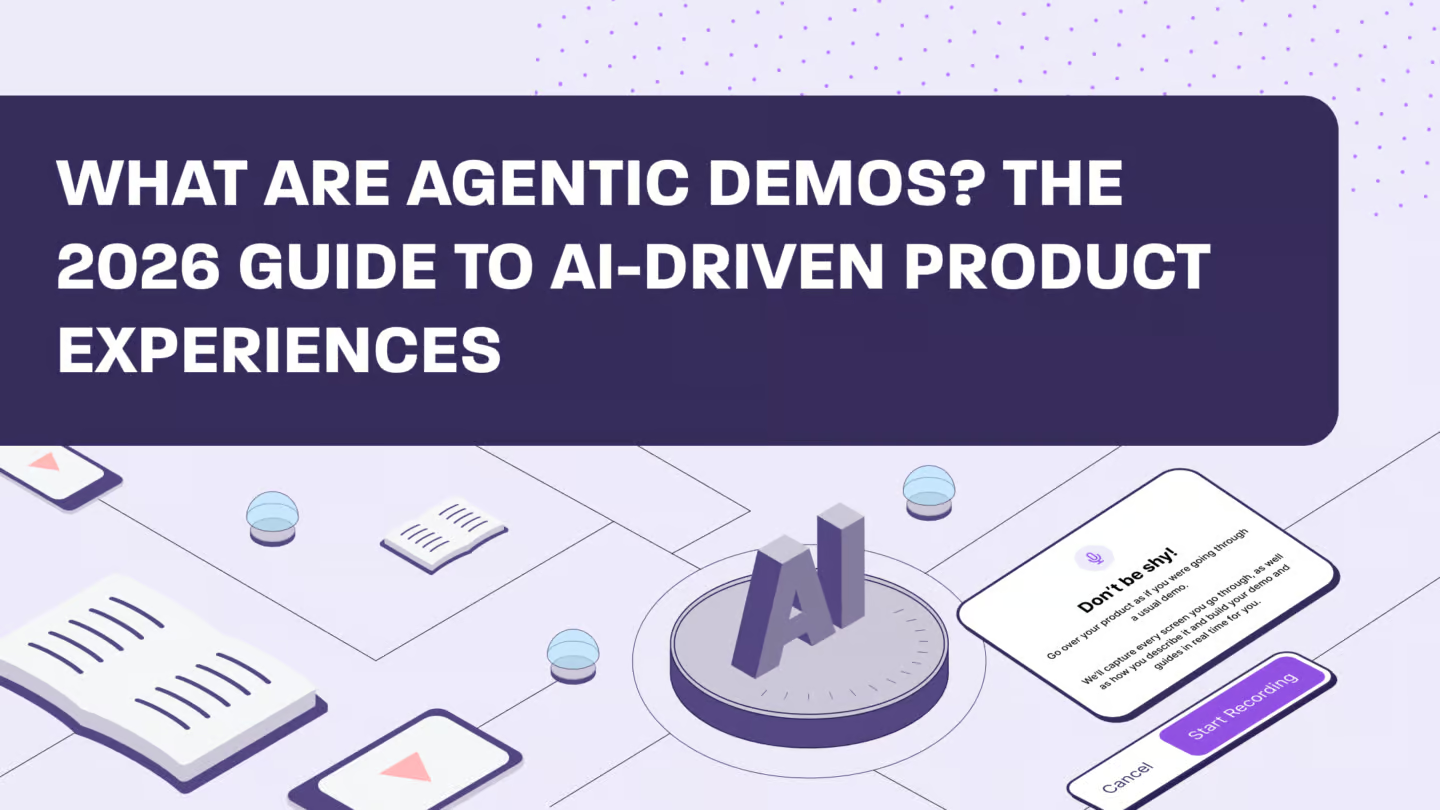
Start with Story Capture. Record your product walkthrough with voice and screen, or capture silently if you prefer.
As you walk through your product, right-click important elements to flag them as potential guide steps. Explain what you’re showing and why it matters.
When you’re done, click “Create my story for me.” Story Capture auto-generates steps tied to your narration, giving AI Mode the semantic and narrative context it needs.
This is where the magic starts. You’re not just capturing screens, you’re capturing intent. AI Mode now understands not just what you clicked, but why you clicked it and what story you’re trying to tell.
2. Vision: Set Your Narrative Direction
Before diving into details, tell AI Mode what you’re trying to achieve:
“Create a 5-step onboarding demo for new admins.”
“Draft an executive summary chapter that shows ROI in under 3 steps.”
“Build a technical deep-dive for security buyers focused on compliance.”
This establishes the backbone of your story. AI Mode now knows your audience, your goal, and the narrative arc you want.
3. AI Draft: Let AI Build the First Version
AI Mode creates your initial draft by:
- Generating step titles and descriptions
- Proposing chapters or logical groupings
- Structuring the flow based on your narration and capture
You get a strong starting point in seconds, not hours. The structure is there. The narrative makes sense. The flow is logical.
Is it perfect? No. But it’s 70% done, and you haven’t clicked through a single menu yet.
4. Refinement: Conversational Editing
Now you refine through short, targeted prompts:
“Make Steps 1-3 more high-level and Steps 4-7 more tactical.”
“Rewrite this step in a confident tone.”
“Shorten all steps so they fit on one line.”
These micro-adjustments quickly elevate clarity and impact. You’re not rewriting everything manually, you’re giving AI strategic direction and letting it execute.
5. Personalization: Variables From Day One
Add personalization early using variables:
“Find places where we can use variables like {{company_name}} and {{role}}.”
“Create a CFO version focused on ROI and risk reduction.”
AI Mode identifies and inserts variables so the demo scales across personas and accounts from the beginning. You’re not retrofitting personalization, you’re building it in from the start.
6. Style & Cleanup: Built-In EditsAI
Use EditsAI to apply formatting and data cleanup across the demo:
“Update all fonts and colors to match our dark mode branding.”
“Blur any sensitive information and anonymize client data.”
“Increase the font size for all client names.”
EditsAI ensures every screen looks consistent and on-brand without manual formatting. This is where “demo creation” used to turn into “demo formatting hell.” Not anymore.
7. Publish: AI-Assisted Finalization
Run a quick pre-publish QA and ship:
“Before we publish, check for long steps, repeated phrases, and capitalization inconsistencies.”
“Publish this demo using the existing template settings.”
AI Mode helps validate content quality before your demo goes live. You’re not discovering problems after prospects see them—you’re catching them before anyone outside your team does.
8. Improve: The AI-Insights Loop
Use viewer data to refine your demo over time.
Check InsightsAI for drop-offs, friction points, or unclear steps. Then feed those learnings back into AI Mode:
“Tighten the copy on Steps 2 and 3.”
“Add a more compelling CTA at the end.”
“Rewrite the opening to highlight value earlier for first-time admins.”
This create-refine-publish loop ensures your demos get better with every iteration. You’re not guessing what works, you’re using real data to improve continuously.
Three Real Workflows for Different Use Cases
Let’s get specific about how different teams are using AI Mode:
Building New Demos with AI Mode
The scenario: You need a new sales demo for enterprise buyers in healthcare.
The old way: 2-3 days of work. Capture screens, write copy, format everything, create variables, build chapters, QA, fix issues, publish.
The AI-first way:
- Use Story Capture to record your walkthrough with narration focused on healthcare compliance and security
- Tell AI Mode: “Create an 8-step demo for healthcare CISOs focused on HIPAA compliance, data security, and audit trails”
- Review the initial draft and refine: “Make the opening more focused on risk reduction and add a compliance checklist”
- Add personalization: “Insert variables for hospital name, patient volume, and regulatory requirements”
- Style and publish: “Apply healthcare industry styling and publish with 30-day expiration”
Total time: Under an hour.
Modernizing Legacy Demos with AI Mode
The scenario: You have a demo library from 18 months ago. The UI changed. The messaging is outdated. The tone doesn’t match your current brand.
The old way: Decide which demos are worth keeping. Rebuild them from scratch. Hope you remember why they were structured the way they were.
The AI-first way:
- Open the legacy demo
- Tell AI Mode: “Rewrite all steps using our current confident, benefit-focused tone”
- Update the visuals: “Update all fonts and colors to match our new brand guidelines”
- Modernize the structure: “Restructure this demo so we show value first, setup second, reporting last”
- Re-capture only the screens that changed using Story Capture
- Tell AI Mode: “Regenerate guide steps for screens 1.3, 1.4, and 1.5 based on the new captures”
You just saved weeks of work.
Optimizing Demos with the AI-Insights Loop
The scenario: Your main sales demo has a 40% drop-off at Step 3. You need to fix it.
The old way: Guess what’s wrong. Try a few things. Send it to prospects. Hope it works better.
The AI-first way:
- Check InsightsAI: Drop-off happens when you transition from value prop to technical setup
- Feed that insight to AI Mode: “The transition between Steps 2 and 3 is causing drop-offs. Add a bridge sentence that connects the business value to the technical implementation”
- Test the messaging: “Create two versions, one that emphasizes ease of setup, another that emphasizes fast time-to-value”
- Monitor results in InsightsAI
- Use the winner as your new standard
You’re not guessing. You’re testing, learning, and improving based on real data.
The Prompts That Unlock AI Mode’s Power
AI Mode responds to natural language, but certain prompt patterns work better than others. Here’s your cheat sheet:
For Creating Structure
- “Create guide steps across all screens showing how an admin sets up dashboards”
- “Generate a 12-step guided demo based on my narration”
- “Build a 5-step executive overview focused on ROI”
For Refining Content
- “Rewrite this step to be more benefit-led and under 20 words”
- “Make Steps 1-3 more high-level and Steps 4-7 more tactical”
- “Tighten the copy on Steps 2-5 where viewers are dropping off”
For Personalization
- “Replace the company name with
{{company_name}}“ - “Create a
{{user_role}}variable and apply it wherever the role appears” - “Find places where we can use variables and suggest what to add”
For Styling
- “Update all button labels to our dark-mode purple”
- “Change all fonts to match our brand guidelines”
- “Blur any customer names in captured screens”
For Publishing
- “Set expiration to 14 days and require email for access”
- “Before we publish, check for long steps and inconsistent capitalization”
- “Publish this demo with existing template defaults”
The pattern: Be clear about outcomes, not prescriptive about methods. Tell AI Mode what you want, not how to do it.
Best Practices for Running an AI-First Demo Program
The teams seeing the biggest impact aren’t just using AI Mode as a faster way to do old work. They’ve restructured how their entire demo program operates:
Lead with intent, not instructions
Tell AI the outcome, value narrative, or persona you’re targeting, it already understands the UI, template structure, and editor tools. Don’t micromanage the execution.
Capture context-rich workflows with voice
Story Capture with narration provides AI with the semantic and narrative context it needs to build stronger, GTM-ready guided stories. The richer your input, the better your output.
Iterate in tight loops
Rapid micro-adjustments outperform long rewrite cycles. Make small changes, review, refine. This helps Sales, CS, and Marketing ship polished demos faster.
Create standardized “house prompts”
Lock in tone, messaging frameworks, objections, industry flavors, and persona stories so your entire team stays consistent. Build a library of prompts that work.
Start strategic demos with AI
Begin with AI Mode to ensure best practices, clarity, and messaging are baked in from the first draft—not added at the end. Quality by default.
Modernize legacy demos with AI, not rebuilds
Use AI Mode and EditsAI to overhaul outdated flows, update messaging, and restyle content. Bring older demos up to current standards in minutes.
Continuously refresh your library
Keep assets aligned to new product releases, ICP shifts, and GTM motions using AI-driven rewrites and restructuring. Your demo library compounds quality over time.
Close the feedback loop with Insights
Identify friction points, high-impact moments, and content gaps using InsightsAI. Then return to AI Mode to optimize narrative flow, CTAs, and story clarity based on real viewer behavior.
What Success Actually Looks Like
You’ll know your AI-first demo program is working when:
Anyone on your team can build great demos. The barrier isn’t technical expertise anymore—it’s strategic thinking about narrative and audience.
Personalization is the default, not the exception. Every prospect gets a demo tailored to their role, industry, and pain points because customization takes minutes, not days.
Your demo library stays current. Product updates don’t mean wholesale rebuilds. You refresh content as fast as your product ships.
Quality compounds over time. Every demo gets better because you’re continuously learning from viewer data and applying those insights at scale.
Speed doesn’t sacrifice consistency. Your entire library maintains the same brand voice, narrative structure, and quality standards because AI applies them uniformly.
The Shift That’s Already Happening
The best demo teams stopped asking “how do we build more demos?” and started asking “how do we build smarter demos?”
AI Mode answers that question.
Not with vague promises about efficiency, but with concrete workflows that turn hours of manual work into minutes of strategic direction.
The demos that convert aren’t the longest or the prettiest. They’re the ones that tell a story tailored to each buyer’s specific pain point.
Now you can build them at the speed of thought.
Key Takeaways
The workflow is: Idea → Structure → Polish → Publish. Capture your story, set your vision, let AI draft, refine through conversation, add personalization, style with EditsAI, and ship.
Story Capture with narration unlocks better results. The richer your input context, the stronger your AI-generated output.
Personalization starts on day one, not as an afterthought. Build variables into demos from the beginning so they scale across personas and accounts.
The AI-Insights loop compounds quality. Use viewer data to identify what works, feed insights back to AI Mode, and continuously improve.
Prompts should focus on outcomes, not methods. Tell AI Mode what you want to achieve, and let it figure out how to execute.
Best practices get baked in automatically. Consistent tone, clear structure, and smart formatting happen by default when AI understands your standards.
FAQ
How long does it actually take to build a demo with AI Mode?
Teams are building persona-specific demos in under an hour that used to take 2-3 days. The foundation gets created in minutes, refinement takes 15-30 minutes, and styling/QA takes another 15 minutes.
Can AI really understand my product well enough?
Story Capture learns by watching you use your actual product. It captures real workflows, navigation patterns, and feature interactions. When you add narration explaining what you’re doing and why, AI Mode gets the full context it needs.
What if my product changes frequently?
That’s exactly when AI Mode becomes most valuable. Instead of manually rebuilding demos, you re-capture the updated flows and tell AI Mode to regenerate the affected steps. Updates that used to take days now take minutes.
How do I maintain brand voice across my team?
Create standardized “house prompts” that define your tone, messaging frameworks, and narrative structure. Save them in AI Mode so your entire team uses the same standards. AI applies them consistently across every demo.
Does this replace our demo specialists?
No. It frees them to focus on complex customizations that genuinely need human expertise. Instead of spending hours on repetitive formatting and basic persona swaps, they tackle high-value strategic work.
What’s the learning curve?
If you can describe what you want in a sentence, you can use AI Mode. The shift is from technical execution to strategic thinking, from “how do I make this change” to “what story should this demo tell.”
How do I know what’s working?
InsightsAI shows you engagement by viewer persona, revealing which features, messaging, and workflows resonate with specific audiences. You’re not personalizing based on hunches—you’re using real data.
Can I use this for compliance-heavy industries?
Absolutely. AI Mode includes built-in data protection through EditsAI. Blur or anonymize sensitive information with underlying text scrambled. Perfect for healthcare, finance, and regulated environments.
Ready to transform your demo creation workflow? Learn more about Walnut’s AI Mode or watch the demo to see the complete workflow in action.