Demo creation just changed forever.
For years, building product demos meant the same exhausting routine: capture screens, write copy, format everything, fix the formatting that broke, rewrite for clarity, adjust spacing, test on different browsers, realize the copy’s too long, start over.
Hours turned into days. Days turned into “we’ll just use the generic template again.”
That ends today.
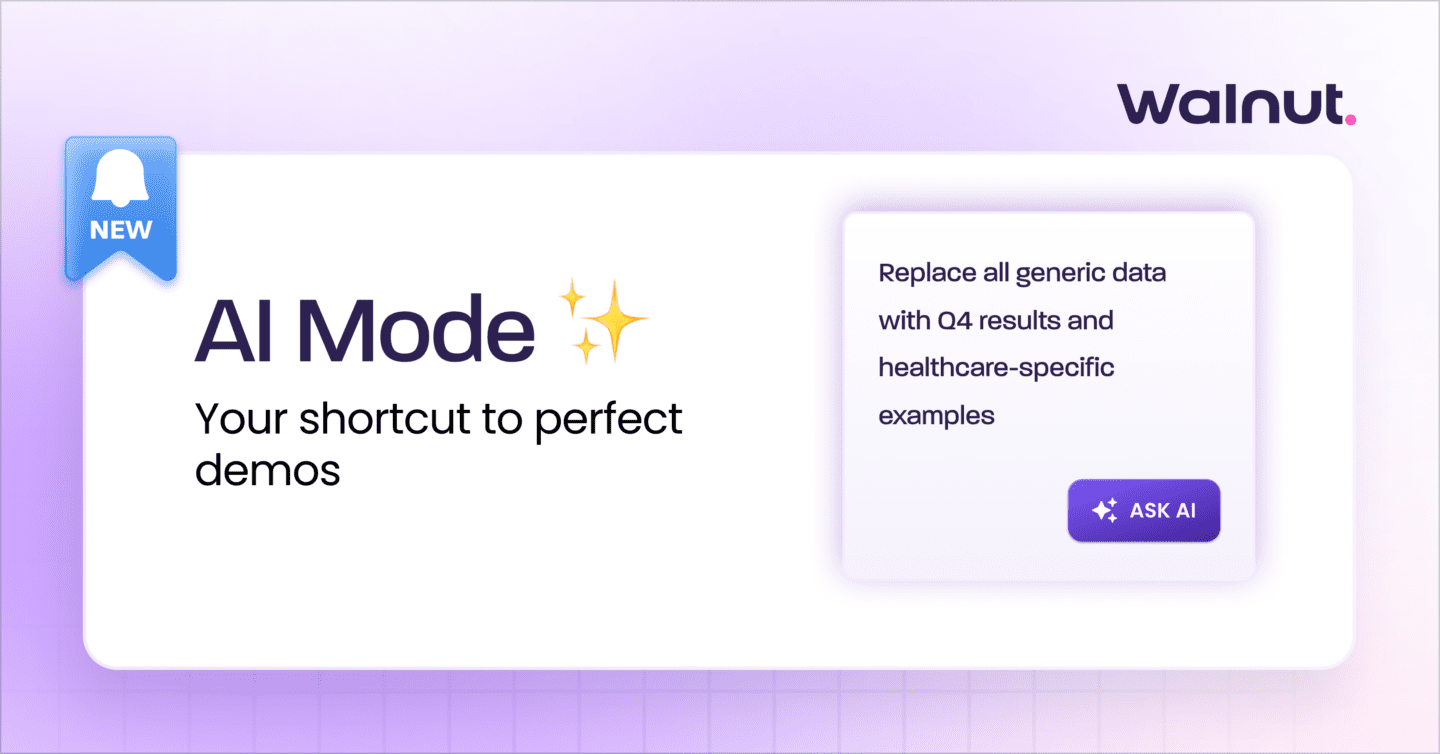
Walnut’s new AI Mode transforms demo creation from manual construction into natural conversation. You describe what you want. AI Mode builds it. Not as a separate tool you switch to, but right inside the editor where you’re already working.
This isn’t about making the old process slightly faster. It’s about replacing clicking with conversation, replacing guesswork with intelligence, and replacing hours of formatting with seconds of direction.
What Actually Makes AI Mode Different
Every company with a product is adding “AI features” right now. Most of them feel like chatbots awkwardly bolted onto existing workflows.
AI Mode is different because it lives inside the Walnut editor and actually understands your demo context. It’s not a separate tool that requires copying, pasting, and manual stitching. It’s integrated intelligence that knows your screens, your content, your variables, and your template structure.
That difference matters more than you think.
Generic AI tools can write sentences. AI Mode can build complete, publish-ready demos. It reads your captured HTML, interprets your narration from Story Capture, understands your guide steps and chapters, works with your personalization schema, and triggers real editor actions.
Think of it as “vibe coding for demos.” You set the vision, describe the outcome, explain the story you’re trying to tell. AI Mode handles the construction, the formatting, the variables, the styling, and the structure.
You’re not asking AI to help you build. You’re telling AI what to build, and it does.
The Complete AI Power Stack
AI Mode doesn’t work alone. It’s the orchestration layer that brings together Walnut’s full AI capabilities:
Story Capture: Your Product Becomes the Blueprint
Record your walkthrough with voice and screen. Right-click important elements to flag them as potential guide steps. Story Capture auto-generates steps tied to your narration, giving AI Mode the narrative and semantic context it needs to build meaningful flows.
Or capture silently and let AI Mode use the screen structure and UI content to infer intent. Either way, you’re turning raw product interaction into demo intelligence.
AI Mode: The Builder That Understands What You Mean
This is where everything converges. AI Mode uses Story Capture’s structured context and your natural-language instructions to create demos that are ready to publish.
Tell it to create a 7-step onboarding demo for new admins. Ask it to rewrite everything in a more confident tone. Request personalization variables for company names and roles. AI Mode doesn’t just suggest edits—it makes them happen.
The power is in bulk operations that used to consume entire afternoons:
- Apply consistent formatting across all steps
- Update fonts, colors, and themes at scale
- Blur or anonymize sensitive data across screens
- Normalize tone and fix inconsistencies throughout
- Insert variables and personalize content automatically
InsightsAI: The Feedback Loop That Makes Demos Smarter
Identify drop-off points, confusing steps, and low-engagement screens. See what’s resonating, what’s not, and why—using real viewer behavior.
Feed those insights back into AI Mode: “Tighten the copy on Steps 2 and 3 where viewers are dropping off.” “Add a stronger CTA focused on starting a free trial.” “Shorten all steps by 20% to keep everything scannable.”
This create-refine-publish loop ensures your demos get sharper with every iteration.
What You Can Actually Do With AI Mode
Let’s get specific. Here’s what AI Mode handles inside the editor:
Build Your Demo Story
- Create guided flows directly from screen context
- Generate step titles, descriptions, and narrative sequences
- Turn Story Capture narration into structured steps
- Add or update annotations to highlight key UI elements
- Apply best-practice storytelling patterns automatically
Edit and Personalize Content
- Rewrite or polish text anywhere in your demo
- Run find-and-replace across your entire template
- Replace static text with dynamic variables like
{{company_name}}or{{role}} - Create new variables and apply them consistently
- Delete unnecessary elements or duplicate them for new content
- Adjust tone, tighten clarity, rewrite for specific personas
Style and Clean Up
EditsAI now lives inside AI Mode, giving you consistent formatting in seconds:
- Change text colors, backgrounds, and font sizes
- Apply bold, italics, underline, adjust hierarchy
- Fix spacing, alignment, and visual inconsistencies
- Blur sensitive content with underlying text scrambled
- Apply global styling updates across multiple screens
Anonymize and Protect Data
Perfect for healthcare, finance, and regulated environments:
- Blur or anonymize names, emails, addresses, logos
- Randomize identifying information
- Keep demos compliant while telling clear product stories
Personalize at Scale
- Add variables for names, companies, roles, regions
- Replace hard-coded details across every screen in one flow
- Use dynamic dates to keep timestamps fresh without recapturing
- Combine variables and dates to tailor demos by persona and time frame
Create and Publish Demos
- Create new demos from existing templates
- Update access settings (expiration, email requirements, viewer permissions)
- Adjust link settings (guides visibility, toolbar behavior, hotspots)
- Configure communication (welcome messages, gate colors, notifications)
- Publish automatically using template defaults
Built-In Intelligence
AI Mode doesn’t just execute—it guides:
- Reads captured HTML, UI structure, and semantic content
- Uses narration when present to generate stronger flows
- Falls back to screen content when narration isn’t included
- Automatically surfaces relevant Knowledge Base articles when actions aren’t supported
- Provides instructions directly in the editor so you always know next steps
Why This Launch Matters
Every software company is adding AI features right now. Most feel like they were built to check a box on a roadmap.
AI Mode feels different because it was built to solve the problem that’s been holding demo teams back since interactive demos existed: the trade-off between speed and quality.
You could build fast or build well. Not both.
That constraint just disappeared.
The teams that figure out how to use AI Mode first won’t just build demos faster. They’ll build better demos faster, personalize at scale without sacrificing consistency, iterate based on real data instead of hunches, and turn every team member into someone capable of producing great work.
Demo creation stopped being about technical skill and started being about strategic thinking.
The question isn’t whether AI will change how you build demos. It already has.
The question is how fast you’ll adopt the new way of working before your competitors do.
Key Takeaways
AI Mode lives inside the editor, not beside it. Integrated intelligence that understands your context beats external tools that require copy-pasting.
Conversation replaces clicking. Describe what you want instead of executing 47 steps to get there.
Speed and quality aren’t opposites. AI removes the friction that made personalization time-intensive.
Best practices get baked in automatically. Consistent voice, clean structure, and smart formatting happen by default.
Iteration becomes cheap. Test new narratives, refresh old demos, and adapt messaging without rebuilding from scratch.
Everyone becomes a builder. The barrier isn’t technical skill anymore—it’s clarity about the story you want to tell.
FAQ
How is AI Mode different from ChatGPT or other AI tools?
AI Mode understands your demo context—your screens, content, variables, and template structure. It can trigger real editor actions like creating guides, updating styles, and publishing demos. Generic AI tools can suggest text; AI Mode can build complete demos.
Do I need to learn prompt engineering to use this?
No. AI Mode responds to natural language instructions. Tell it what outcome you want, not how to achieve it. The more specific you are about what you’re trying to accomplish, the better the results.
What if AI Mode can’t do something I ask for?
It explains why and either links to relevant Knowledge Base articles with step-by-step instructions or recommends alternative workflows. You never hit a dead end—there’s always a clear next step.
Can I undo AI Mode changes?
Yes. Use Ctrl+Z (Windows) or Cmd+Z (Mac) to undo the most recent change. To revert all changes from a specific prompt, delete that chat thread from the AI Mode panel.
Does this work with Story Capture?
AI Mode is designed to work with Story Capture. When you record with narration, AI Mode uses both your spoken explanation and on-screen content to build stronger guided flows. Without narration, it uses semantic screen data to infer intent.
How does AI Mode handle sensitive data?
AI Mode includes built-in data protection through EditsAI. You can blur or anonymize names, emails, addresses, and logos with the underlying text scrambled—perfect for healthcare, finance, and regulated industries.
What about brand consistency across demos?
That’s where AI Mode shines. Apply brand guidelines, messaging frameworks, and styling at scale across your entire demo library. One prompt can update tone, formatting, or structure across dozens of demos simultaneously.
Is there a learning curve for my team?
If you can describe what you want in a sentence, you can use AI Mode. The skill shift is from technical execution to strategic thinking—from “how do I make this change” to “what story am I trying to tell.”
Ready to build demos at the speed of thought? Explore Walnut’s AI Mode or watch the demo to see it in action.